✦ ATS Resume Templates 2026

Free ATS Resume Templates
That Get You Past the Bots

Professionally designed, ATS-optimized templates for every job seeker — from fresh graduates to senior executives. Build free, download with a plan.

New to ATS? Read our ATS-friendly resume guide →

100%
ATS Compatible
4.8★
User Rating
Free
To Build & Preview

Templates for Every Job Seeker

Whether you're just starting out or climbing the ladder — we've got you covered.

🎓
Fresh Graduates
No experience? No problem. Our templates highlight your skills and education.
💼
Mid-Level Professionals
Showcase your achievements and career growth with a clean layout.
🏆
Senior Executives
Command attention with a structured, authoritative resume format.
🔄
Career Changers
Reframe your experience for a new industry with transferable skills front and center.
🌍
International Applicants
Clean, universally accepted formats that work across any country or industry.

Choose Your Template

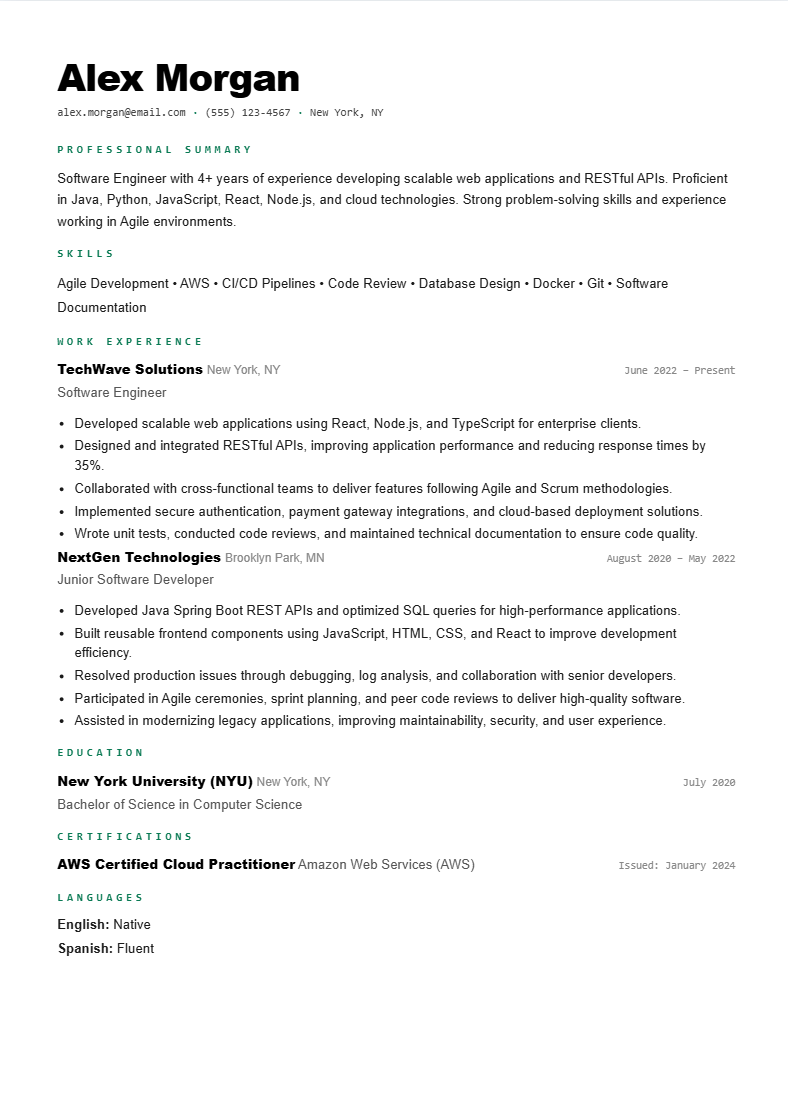
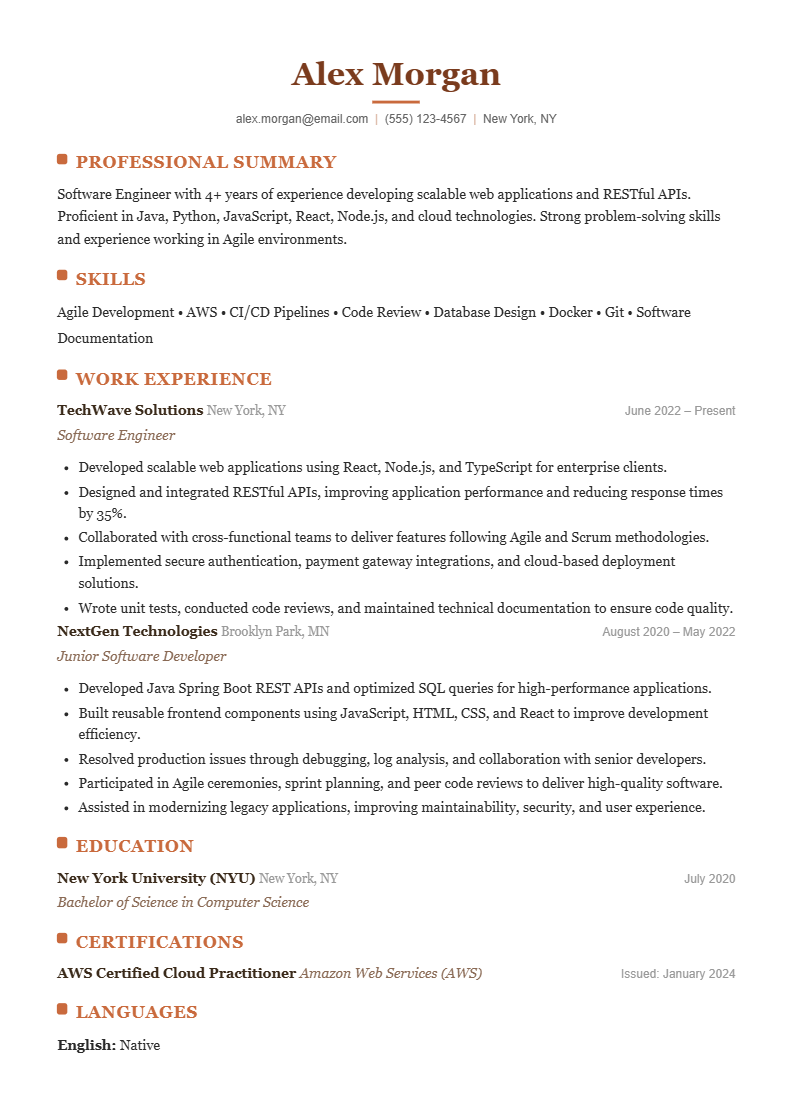
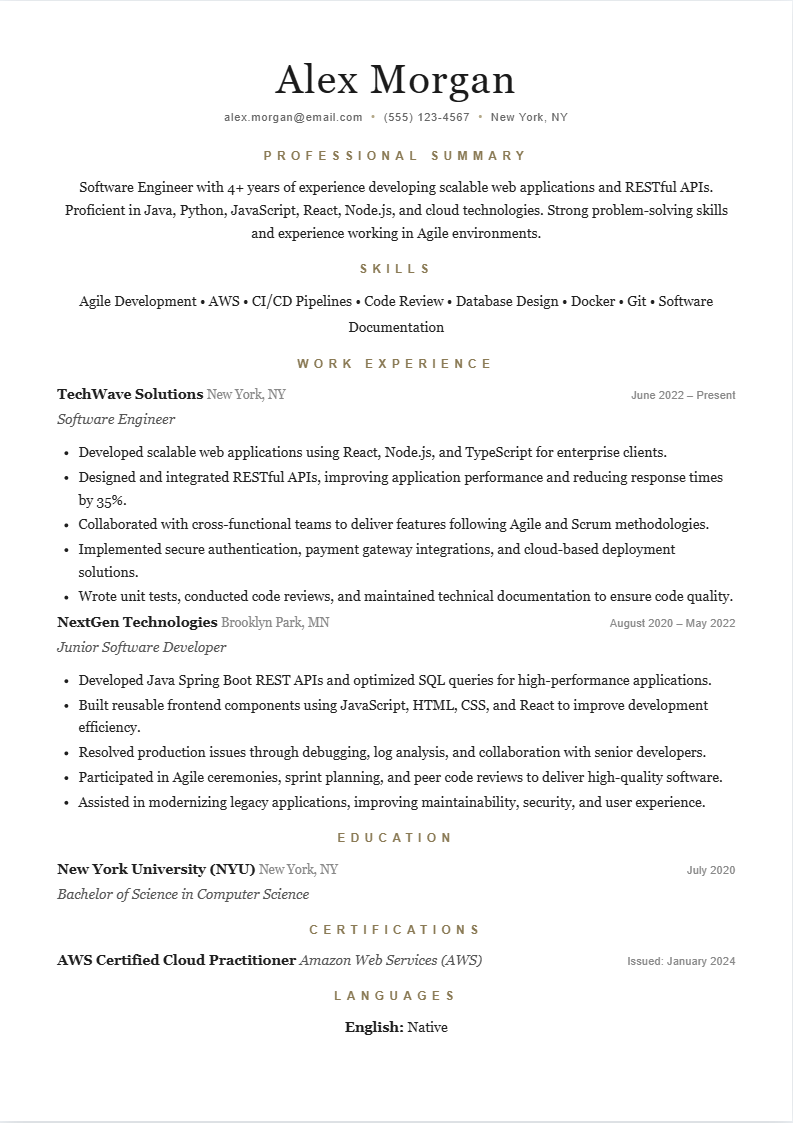
All five templates are built for ATS parsing and include AI-generated bullet points. Pick the style that fits your industry.

Build & preview for free — a plan is required to download your PDF.


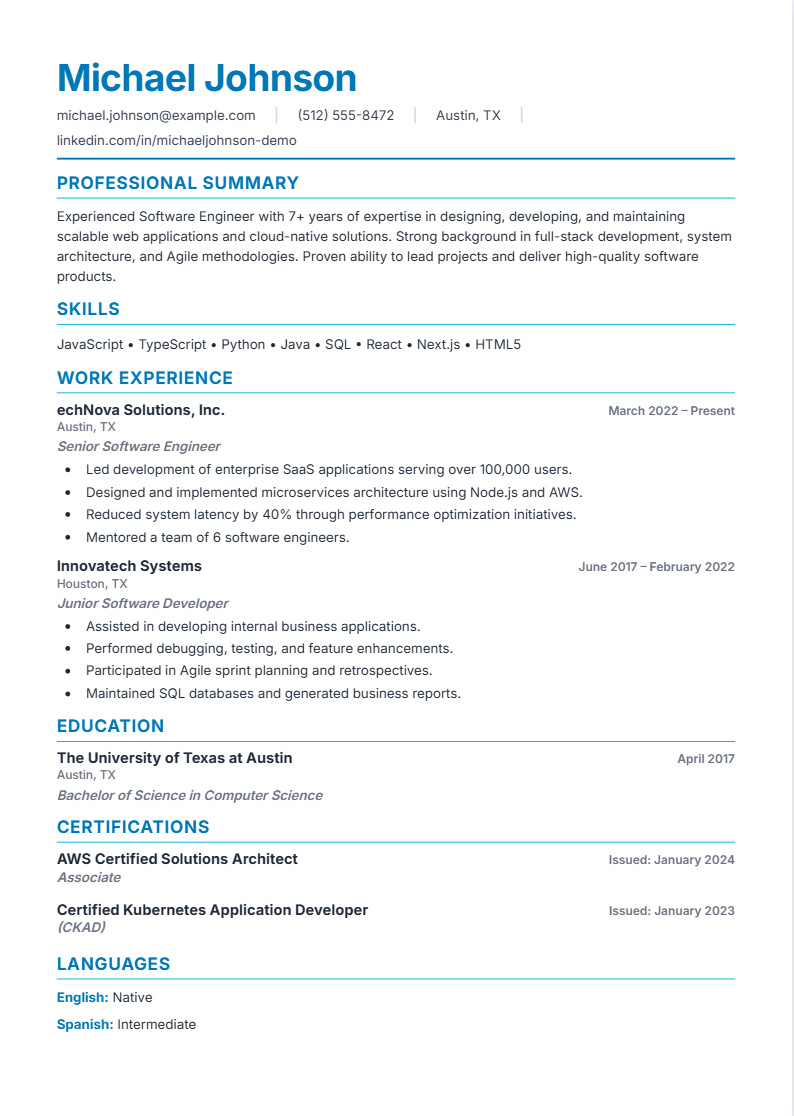
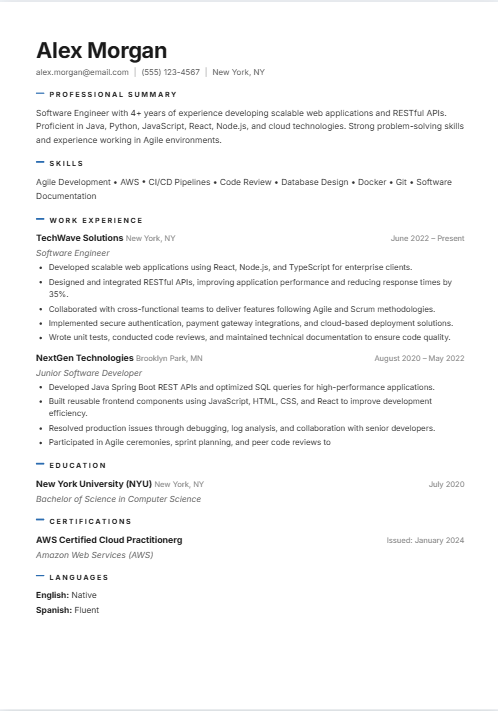
Modern Blue ATS resume template with blue section headers and a skills grid

Modern Blue

Clean, modern design with vibrant blue gradient accents and excellent visual hierarchy. Stands out while staying fully ATS-compatible.

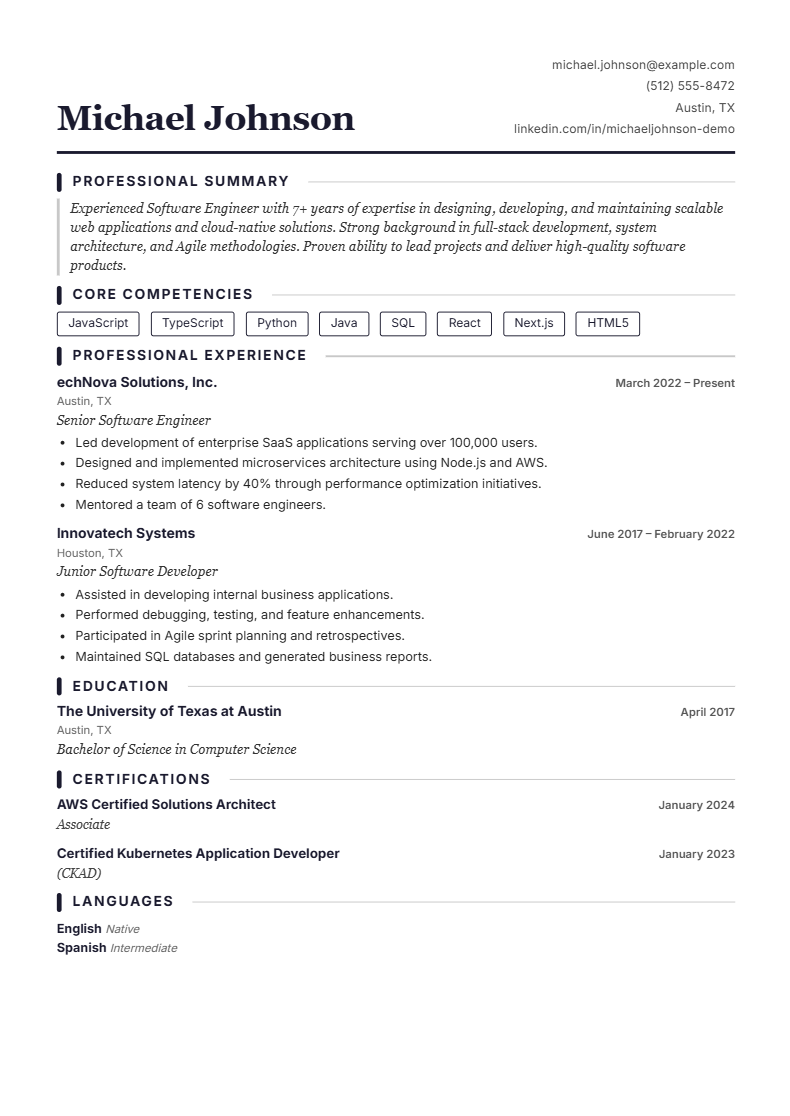
Executive Dark ATS resume template with serif headings and outlined skill tags

Executive Dark

Distinguished serif typography with a name-left / contact-right header, dark accent bars, and outlined skill tags. Built to command attention.

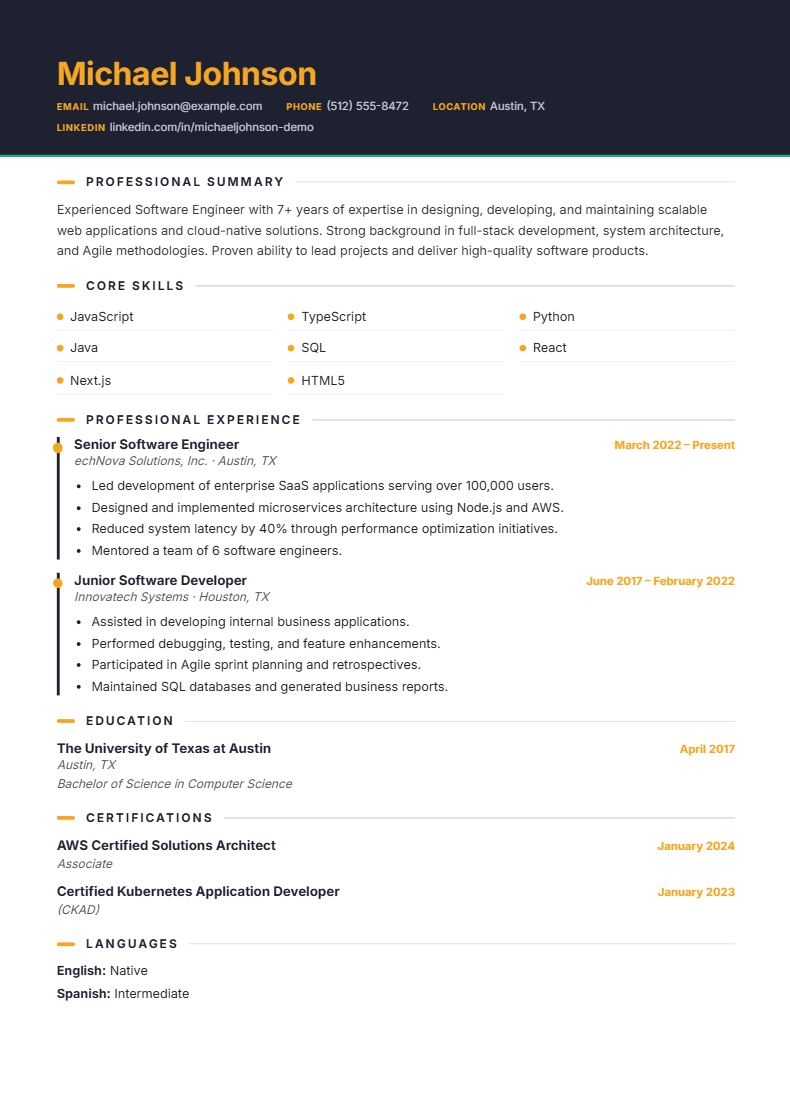
Dark Sidebar two-column ATS resume template with a contact and education sidebar

Dark Sidebar

Bold two-column layout with a dark sidebar for contact & education, and a clean white main column for experience. Modern and easy to scan.

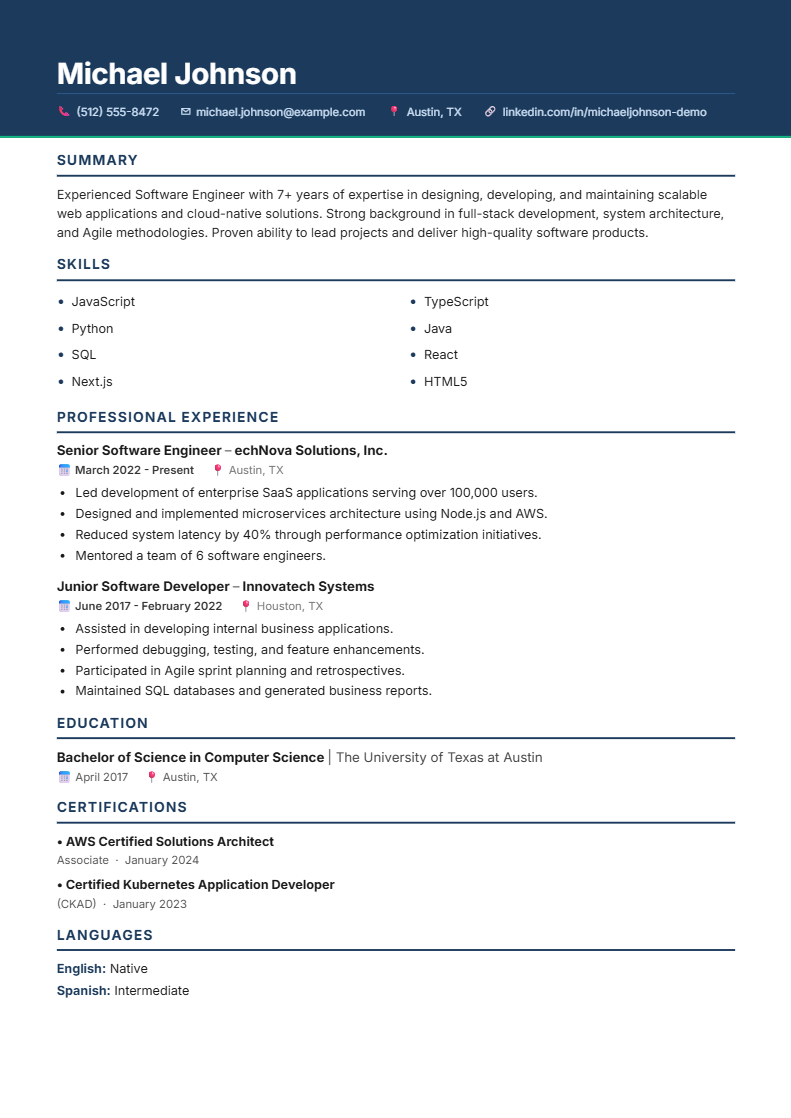
Corporate Blue ATS resume template with a navy header band and two-column skills

Corporate Blue

Bold navy header band with an icon contact bar, a two-column skills grid, and a timeline experience section. Fully ATS-optimised and polished.

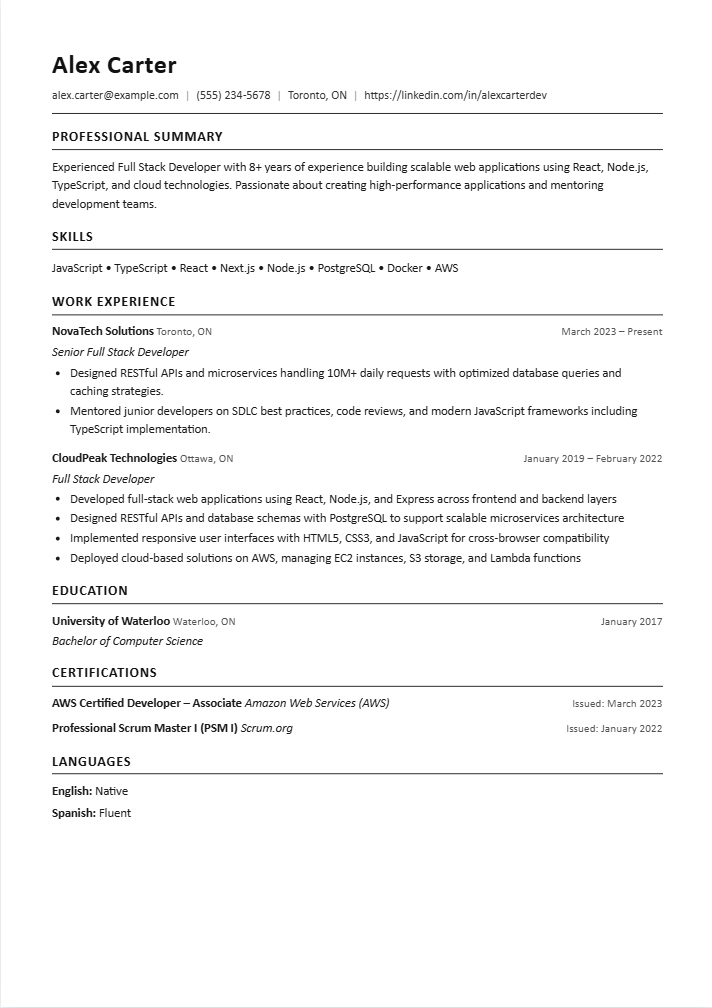
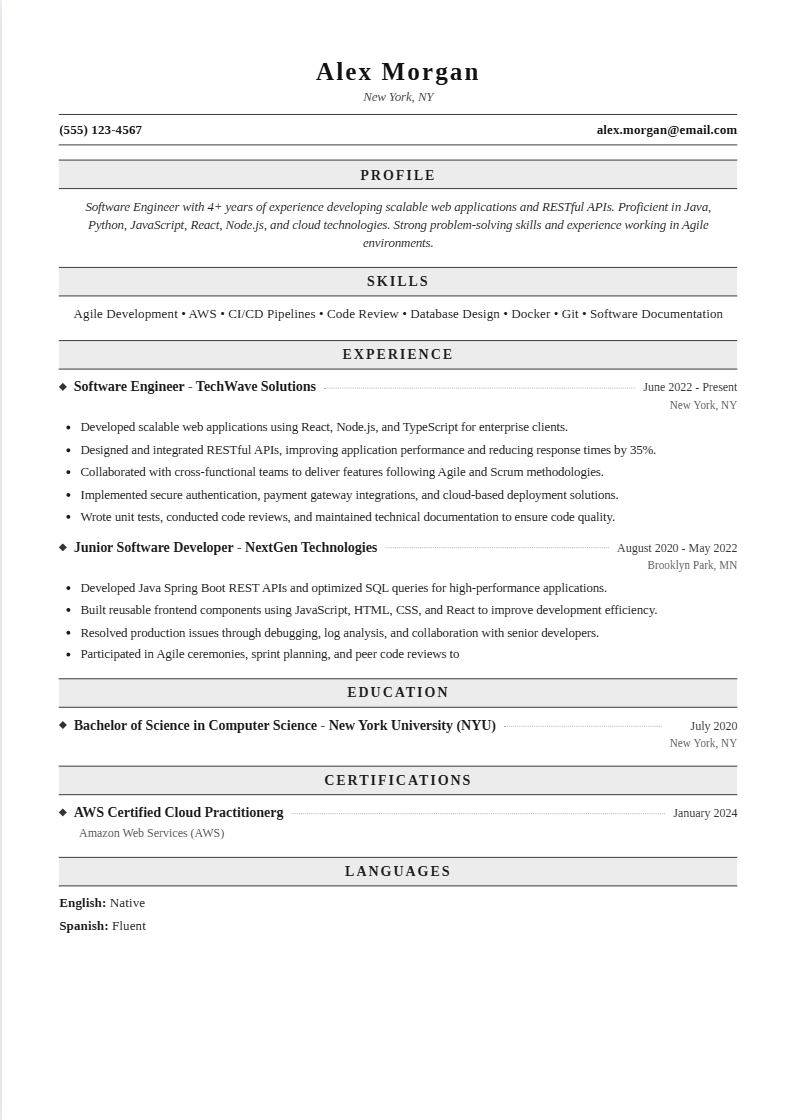
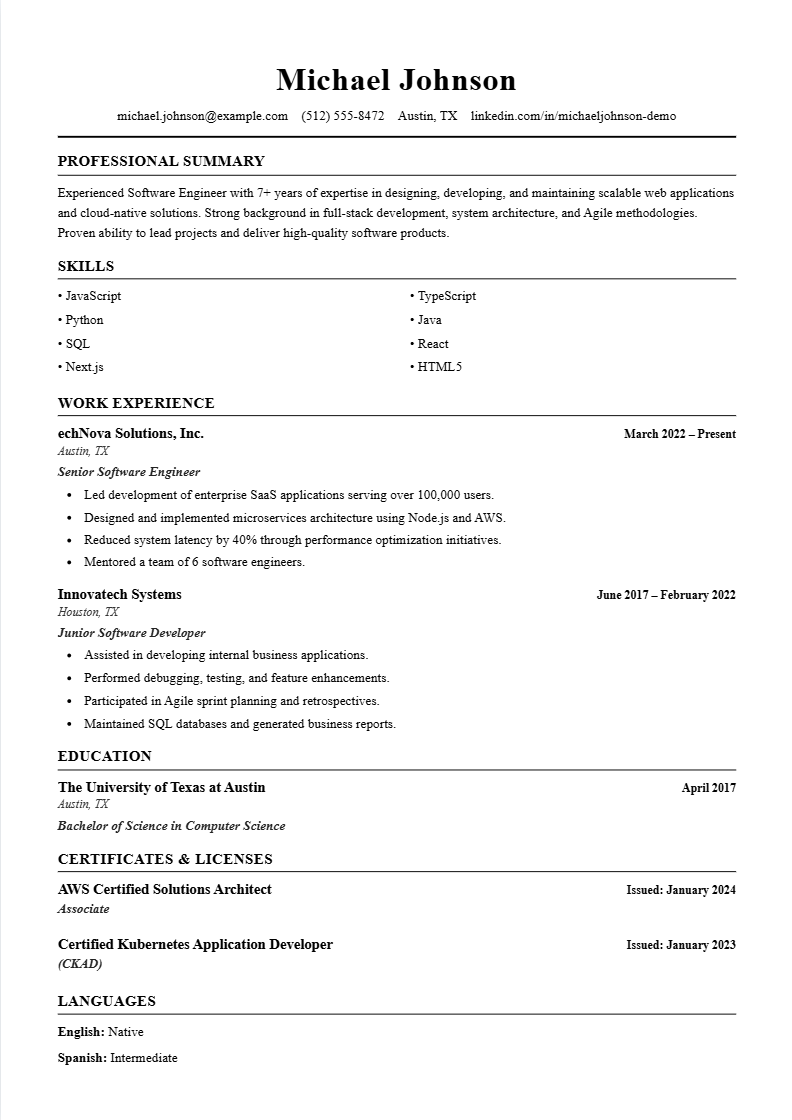
ATS Clean single-column plain-text resume template built for maximum ATS parsing

ATS Clean

A stripped-back single-column layout with standard headings and real-text bullets — engineered for maximum parse reliability. The safest pick when you don’t know which system will read your resume.

🚀 More Templates Coming Soon

More ATS-Optimised Templates on the Way

We're crafting more professionally designed, fully ATS-compatible templates to suit every industry and career stage.

Minimal Clean
Ultra-clean single-column layout
Coming Soon
Creative Pro
Bold accents for design & media roles
Coming Soon

All upcoming templates will be 100% ATS-compatible and available across plans.

Build Your Resume in 4 Easy Steps

No design skills needed. Fill in your details, then upgrade to download.

1
Choose a Template
Pick from five professional templates based on your industry and style.
2
Fill In Your Details
Add your experience, skills, and education. Use AI to write bullet points.
3
Preview Live
See your resume update in real time as you type. Switch templates anytime — free.
4
Download PDF
Upgrade to a plan and export a print-ready, ATS-compatible PDF instantly. No watermarks.

Frequently Asked Questions

Everything you need to know about our ATS resume templates.

Are these resume templates ATS-friendly?
Yes. All five templates are built with clean, structured formatting that parses correctly through all major ATS systems including Workday, Greenhouse, Lever, and iCIMS. No tables, no text boxes, no images that block parsing.
Which template should I choose?
Choose Modern Blue for tech, marketing, design, or startup roles. Choose Classic Professional for finance, law, government, healthcare, or any formal/conservative industry. Executive Dark suits senior leadership and executive roles, Dark Sidebar works well for skill-heavy resumes, and Corporate Blue fits corporate, business, and sales roles. When in doubt, Classic Professional is the safe all-rounder.
Is it free to use the resume templates?
Building and previewing your resume is completely free — no credit card required. You can fill in all your details and see exactly how your resume looks before committing. Downloading your finished resume as a PDF requires an active plan. View plans →
Can I download my resume as a PDF?
Yes — PDF download is available with a paid plan. Build and preview your resume for free, then upgrade to instantly export a high-quality, print-ready, ATS-compatible PDF with no watermarks. See plans →
Can I switch templates after filling in my resume?
Yes! Switch between templates at any time using the Template button in the resume builder. Your content carries over automatically — no re-typing needed.
Are there any hidden fees?
No hidden fees. Building and previewing your resume is always free. PDF download requires a plan, and our plans page clearly outlines exactly what's included at each tier — no surprises. View plans →
Do I need an account to use the templates?
No account is needed to start building. You can fill in your resume and preview it immediately. Creating a free account lets you save your progress and access it later from any device.
What makes a resume ATS-friendly?
An ATS-friendly resume uses standard fonts, simple formatting, no images or graphics in the content area, clear section headings, and relevant keywords from the job description. All five of our templates are built with these best practices baked in.
Can I download an ATS resume template for free?
You can build and preview any of our ATS resume templates completely free — fill in your details and see the finished layout with no credit card. Downloading the final PDF requires a plan, which unlocks a watermark-free, print-ready file that stays fully ATS-compatible. View plans →
What's the best resume template for ATS?
The best ATS resume template is a clean single-column layout with standard headings, real text instead of graphics, and no tables or text boxes — every template here is built that way. For most applicants Classic Professional is the safest all-rounder; pick Modern Blue for tech and creative roles, or Executive Dark for senior leadership. All five parse correctly in Workday, Greenhouse, Lever, and iCIMS.

Your Next Job Starts Here

Build your resume free, then upgrade to download and land more interviews.

Start Building Free → View Plans

Helpful ATS guides

ATS-friendly resume guide ATS resume for nurses ATS resume for project managers ATS resume for accountants Entry-level ATS resume